 Star Palace
Star Palace / macOS
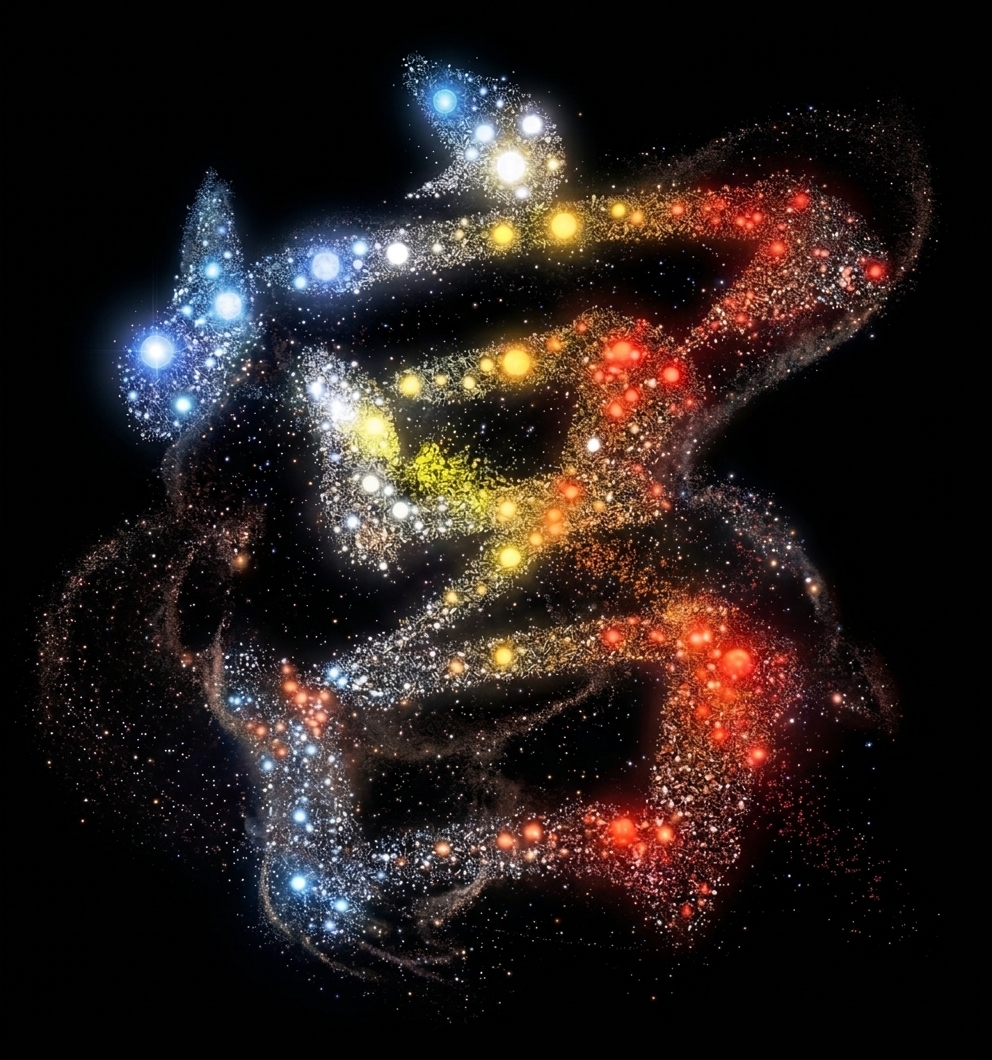
A constellation of files.
A file browser for Mac.
File browser · Local storage
Fictional files / App artwork
Atlas / Key
Files & constellations
Files / Stars
Folders / Constellations
Similarity / Nebulae
App / Guide
Tutorial
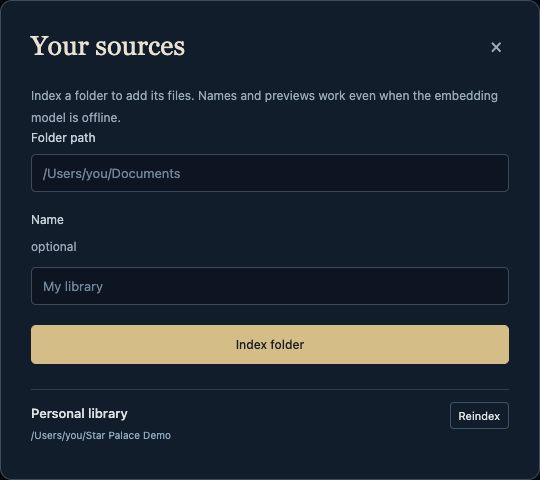
Folders
- In Finder, select a folder. Press Option–Command–C to copy its path.
- Open Library → Manage sources.
- Paste the path and choose Index folder.
Keyboard shortcuts
- Search
- ⌘ K
- Reader
- Enter
- Atlas overview
- z f
- Original file
- o
- Finder
- Shift O
- Zoom
- + −
macOS / Source
Installation
Source available / No packaged download
- Runtime
- Node.js 22 ↗Choose v22, macOS installer (.pkg).
- Git & build tools
xcode-select --installRun in Terminal. Complete the installation.- License
- Personal & workplace useLicense terms ↗
cd ~
git clone https://github.com/sophiarw/star-palace.git
cd star-palace
npm ci
npm start
Browser: 127.0.0.1:5173
Keep Terminal open. Stop: Control C
Search by meaning / Optional
Install Ollama. Open it, then run:
ollama pull nomic-embed-textReindex with Ollama running. Filename, folder, and text search work without it.
Demo library
After installation: npm run seed:atlas, then npm run start:demo.
Browser: 127.0.0.1:5174
Demo files only; separate library.
Before upgrading: back up ~/.starpalace. Upgrade & rollback notes ↗
Notes / Requests
Feedback
Bugs, questions, feature requests.
Delivery: email. FormSubmit processes delivery and retains submissions for 30 days. Omit private filenames and file contents.